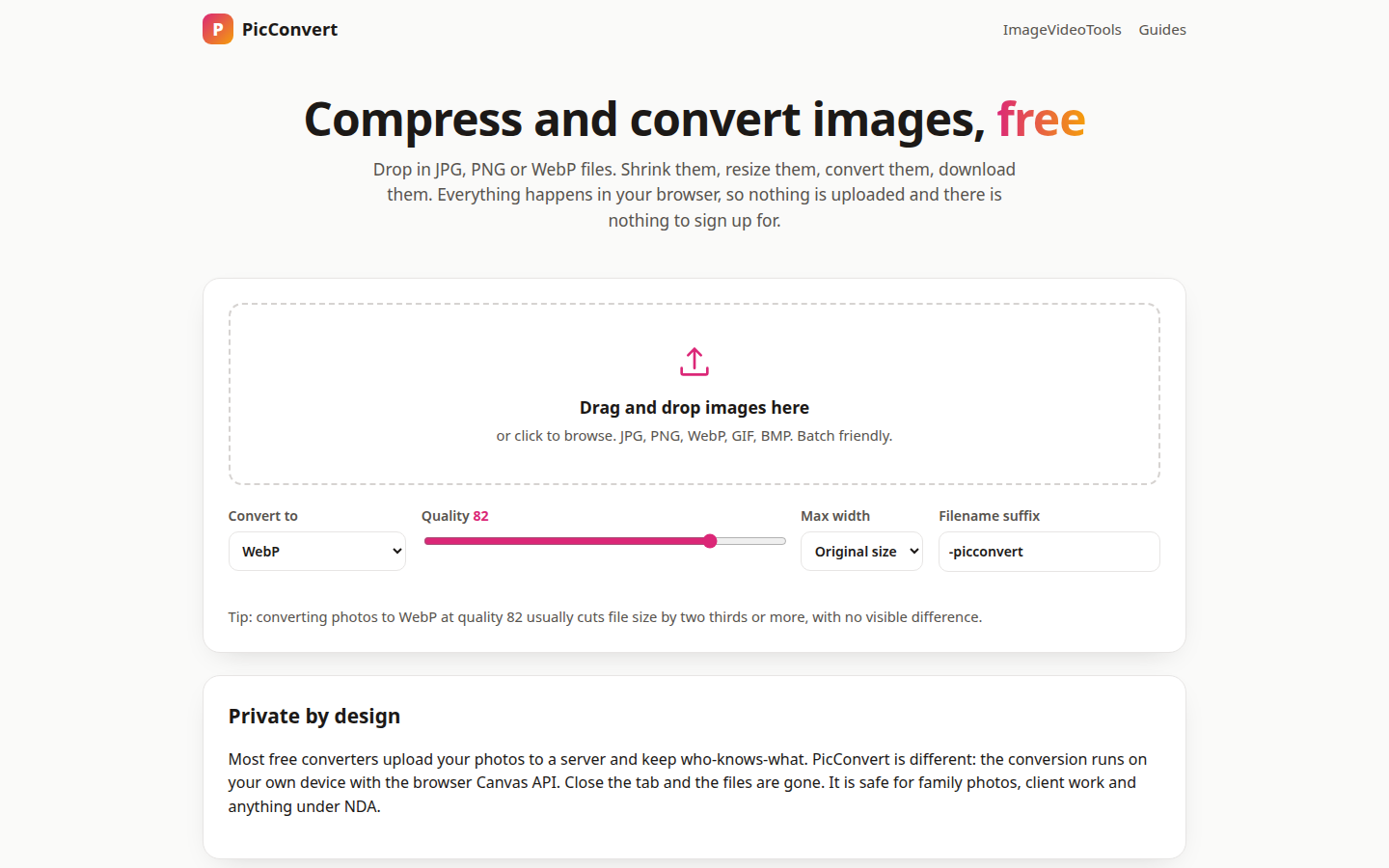
Most "free" image converters want your photos on their server before they do anything. PicConvert skips that step entirely: it converts and compresses JPG, PNG and WebP images right in your browser, using the Canvas API, so nothing is uploaded and there is nothing to sign up for.
Drop in a file, or a whole folder's worth at once (JPG, PNG, WebP, GIF and BMP are all accepted), pick the output format, and the new file is ready. A quality slider (82 is the default), max width presets from original size down to 480 px, and a filename suffix keep batches tidy; settings re-process instantly, so you see the new file size before you download anything.
How a conversion works
- Add images. Drag files onto the drop area or click to browse. Batch friendly means exactly that.
- Pick the output. JPG, PNG, WebP, or keep the original format, then set quality and a max width if you need one.
- Check the sizes. Each file shows its before and after size and the percentage saved.
- Download. Save files one by one, or grab everything in a single zip.
Two downloads a day are free; after that, an email unlocks unlimited downloads for the rest of the day. The converting itself never leaves your device, which is why the tool is safe for family photos, client work and anything under NDA: close the tab and the files are gone. The site's export formats comparison explains why the format choice matters in the first place, and the RAW workflow guide covers the heavier end of the bench. The companion post runs one real conversion end to end: a 2.72 MB PNG that became 216 KB. Or open PicConvert and drop a photo in.